Hi! I’m Daria — a product and UX designer with 15+ years of experience.
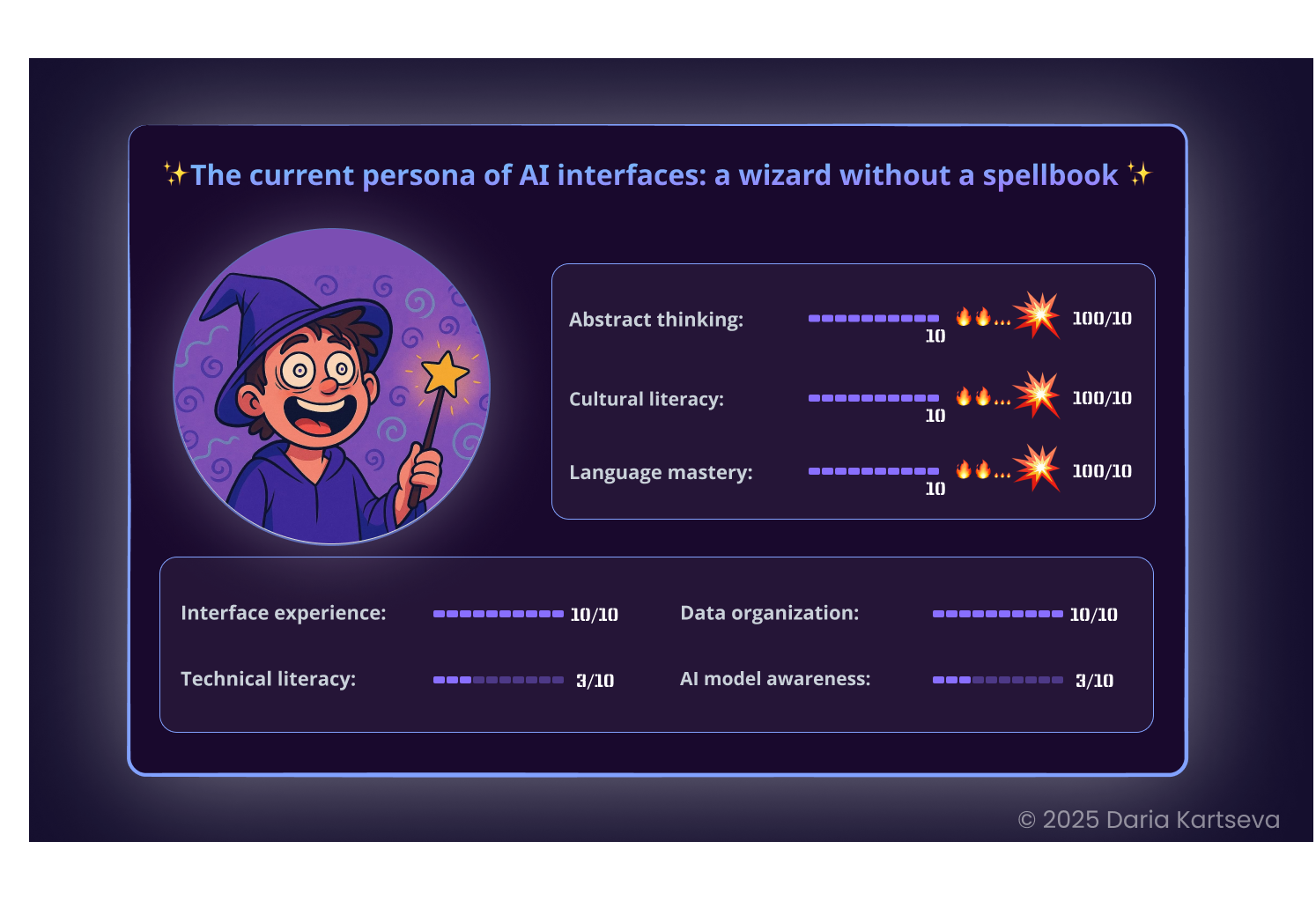
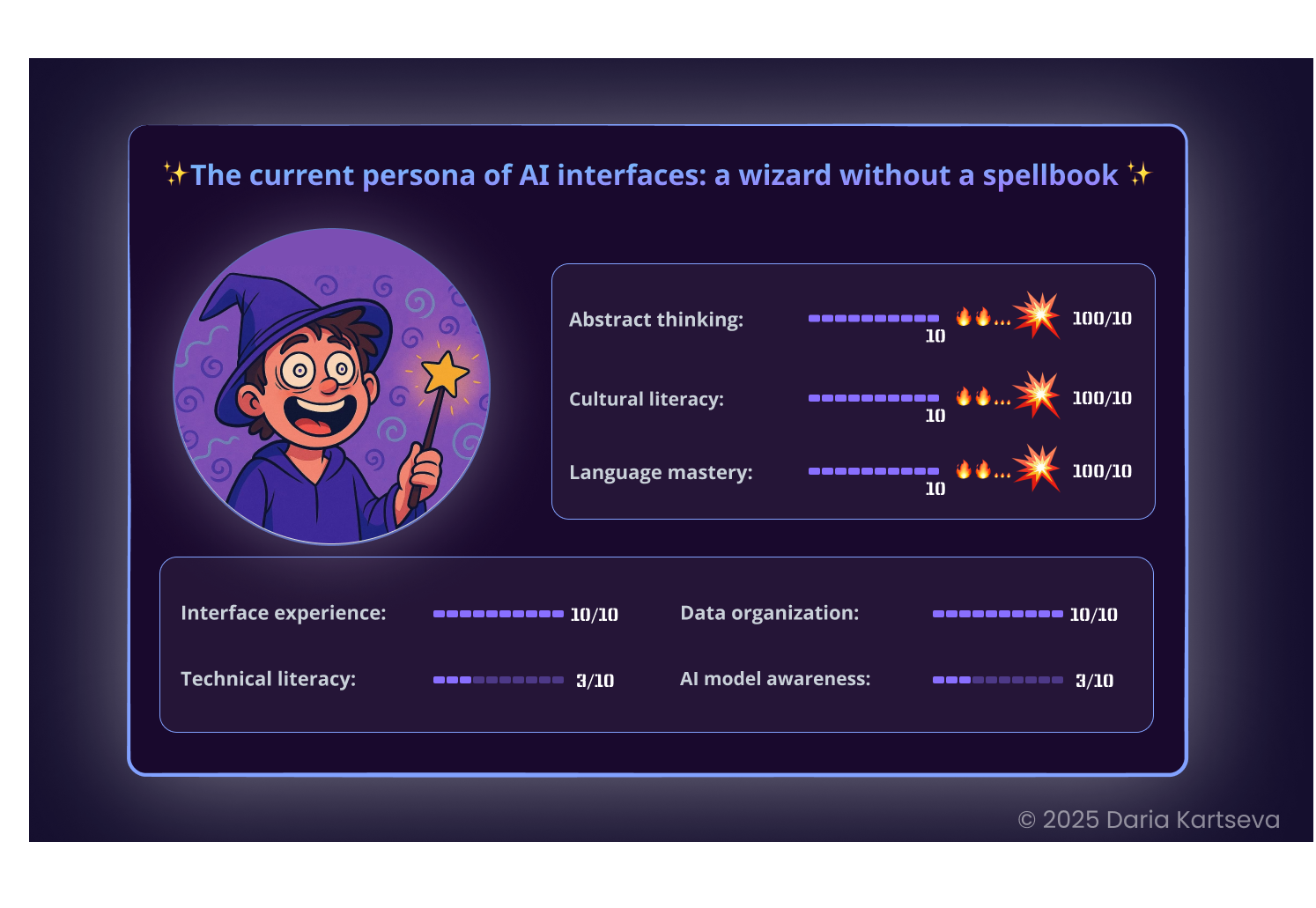
Recently, I’ve been working a lot with generative AI and I see the same problem again and again: the technology is powerful, but the interfaces still make users guess the “right magic words.”
Recently, I’ve been working a lot with generative AI and I see the same problem again and again: the technology is powerful, but the interfaces still make users guess the “right magic words.”
AI says: “Write a prompt” — and then it’s luck.
If the result is bad, people think it’s their fault: wrong phrasing, wrong words.
They start searching for “secret tricks” and hope for the best.
If the result is bad, people think it’s their fault: wrong phrasing, wrong words.
They start searching for “secret tricks” and hope for the best.
But often the problem is not the user:
the model is simply not trained on some of the parameters they try to specify.
And the interface does not warn about it.
the model is simply not trained on some of the parameters they try to specify.
And the interface does not warn about it.
I started thinking: how can we design AI products that support the user, instead of leaving them alone with unpredictability?
In this post series, I want to explore what a generative AI interface needs,
- so users can understand how to write a request,
- see what to expect from the model,
- and control the output.
The first step is the starting interaction.
The UX goal here is not to hide AI limitations, but to help any user — beginner or expert — understand what the system can do, and what it may ignore:
The UX goal here is not to hide AI limitations, but to help any user — beginner or expert — understand what the system can do, and what it may ignore:
The first step is the starting interaction.
The UX goal here is not to hide AI limitations, but to help any user — beginner or expert — understand what the system can do, and what it may ignore:
The UX goal here is not to hide AI limitations, but to help any user — beginner or expert — understand what the system can do, and what it may ignore:
Below, you will find slides with 5 key UX principles that make AI generation clear, honest, and user-friendly.